Turn your Android phone into a terminal

Take contactless cards, DuitNow QR and Moby BNPL on the phone already in your hand. No card reader, no extra hardware, and settlement in one tap

Turn your android phone into a terminal
accept-payments

Support all payments

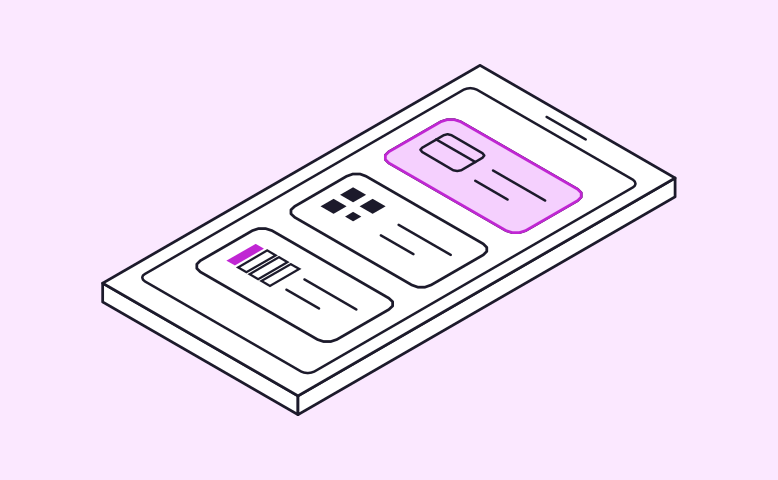
Accept contactless cards, DuitNow QR and Moby BNPL from one app

no-extra-hardware

No extra hardware

Turn any NFC-enabled Android phone into a payment terminal

one-tap-settlement

One-tap settlement

Close out the day’s sales whenever you’re ready

digital-receipts

Digital receipts

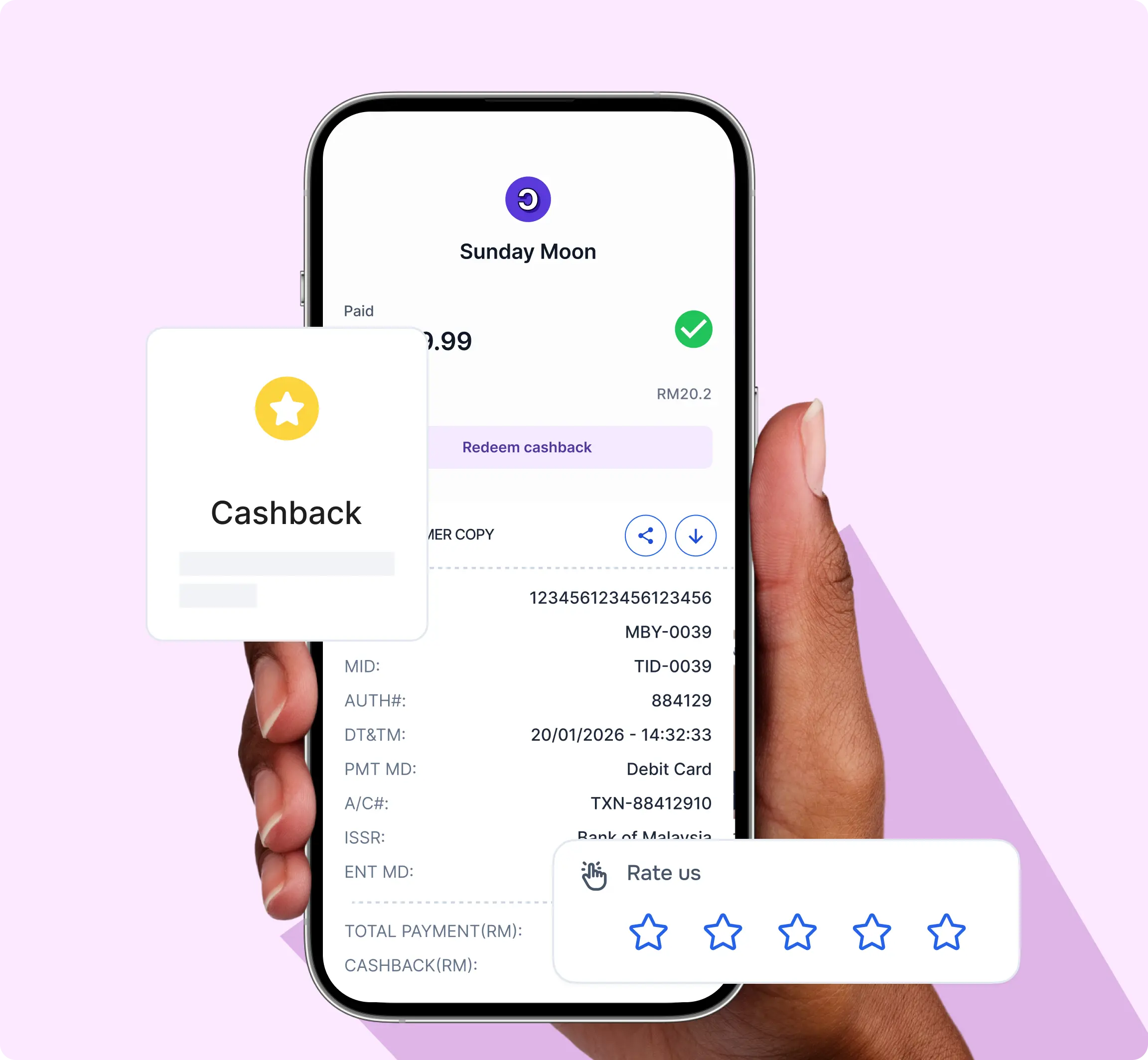
Customers scan a QR to get their receipt and collect cashback

All payment methods in one app

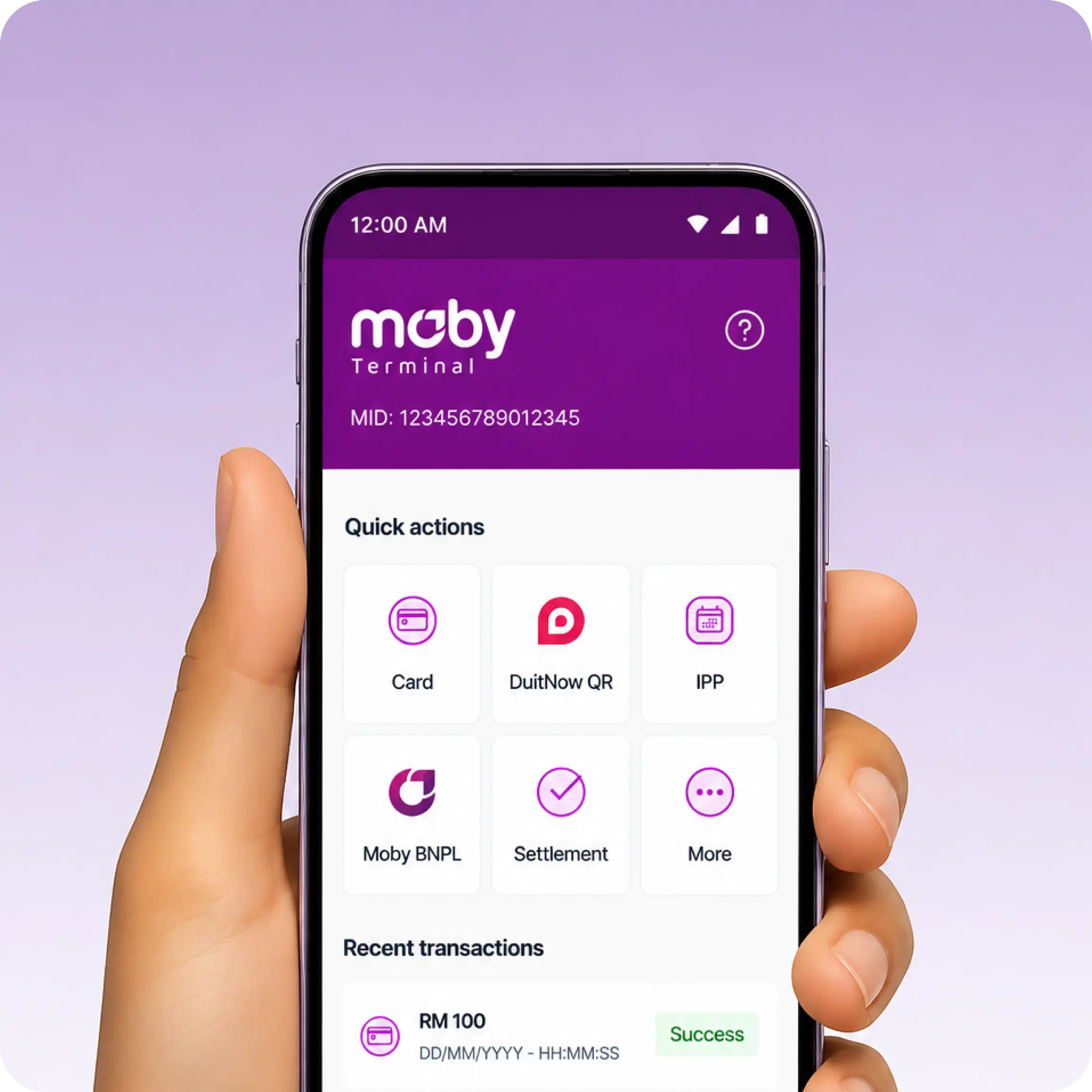
Let customers pay the way they already do. Each mode is one tap away on the home screen

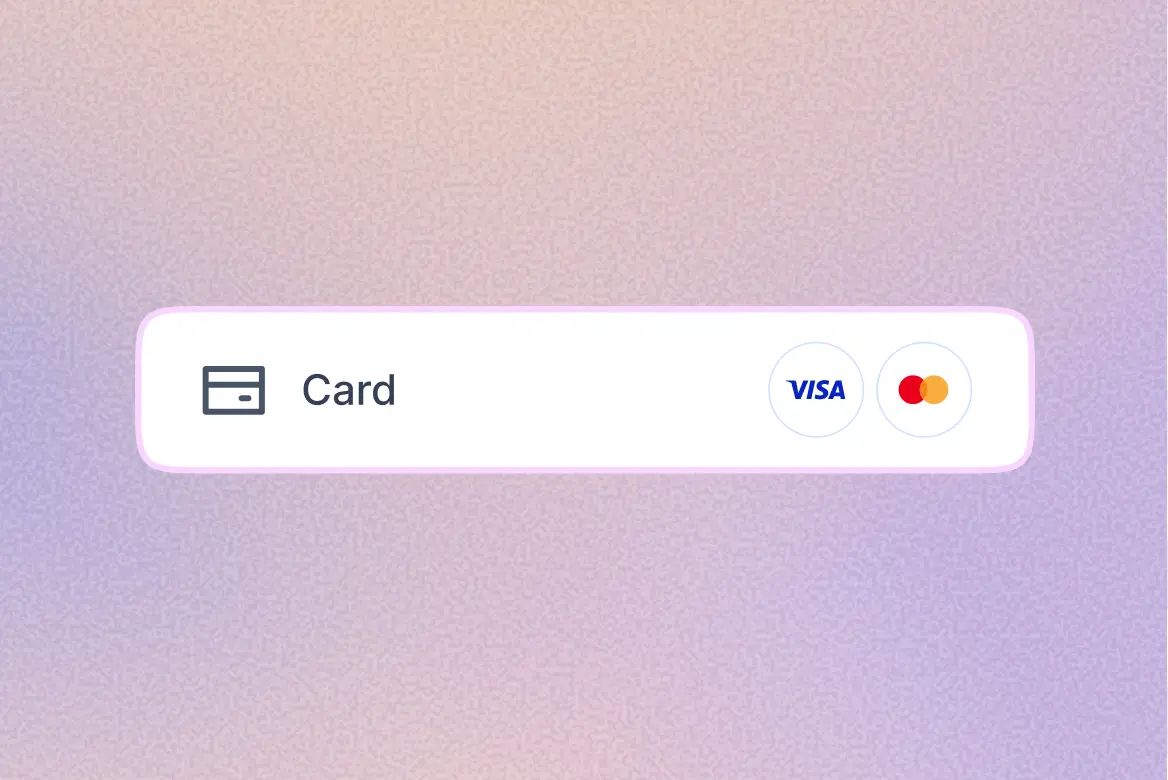
Contactless card

Contactless card

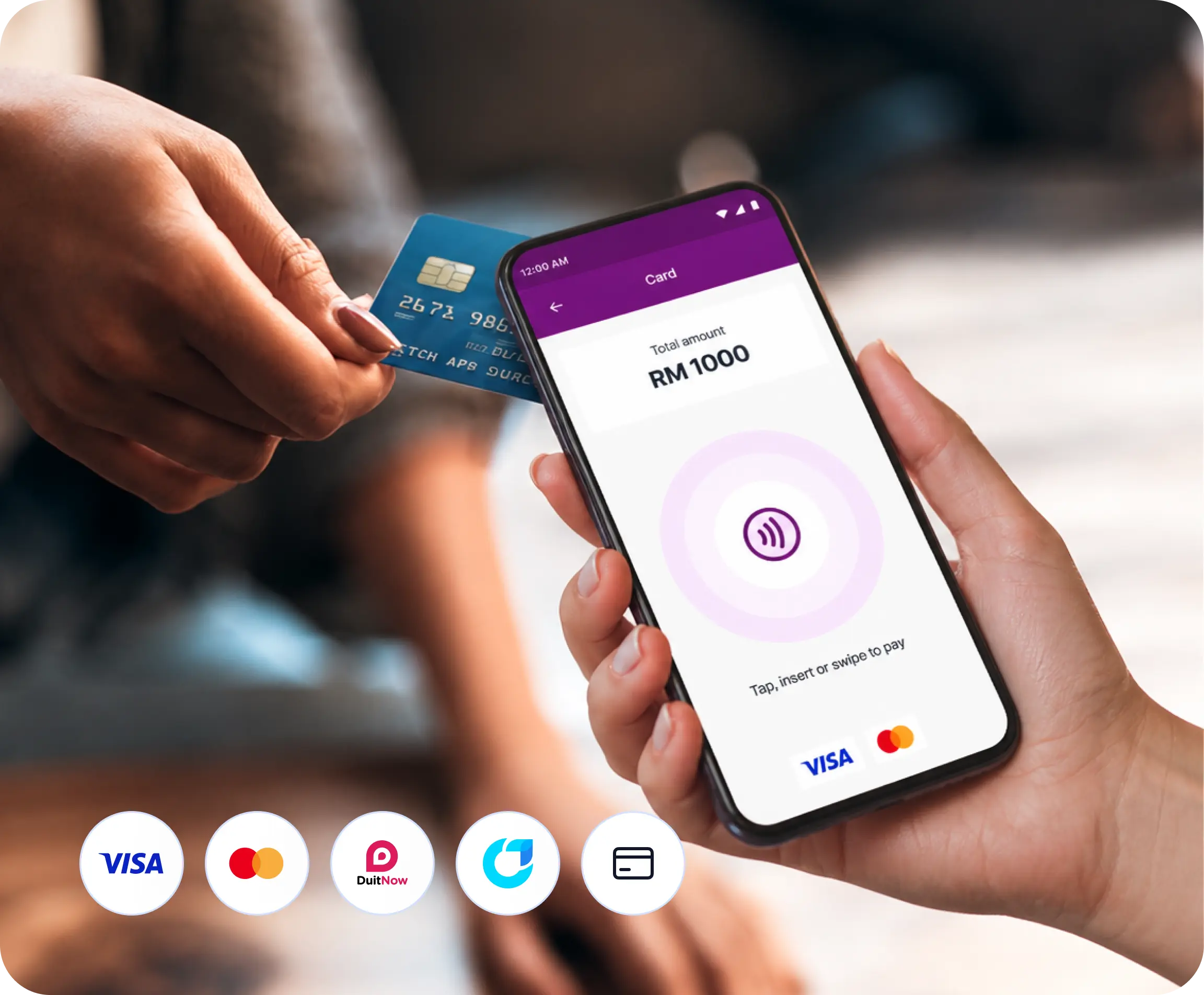
Customers tap their debit or credit card on your phone, and the payment is confirmed in seconds

DuitNow QR

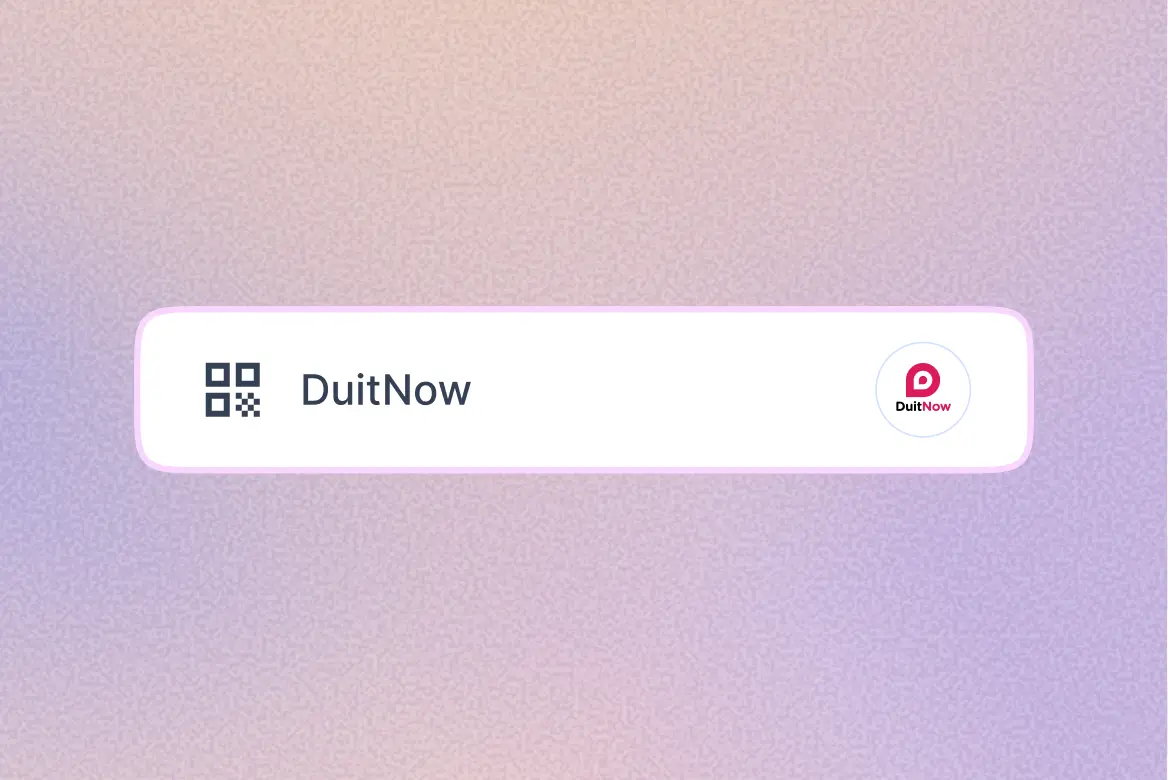
DuitNow QR

Show a QR code for the exact amount. Customers scan it with any banking or e-wallet app that supports DuitNow

Paylater Instalment

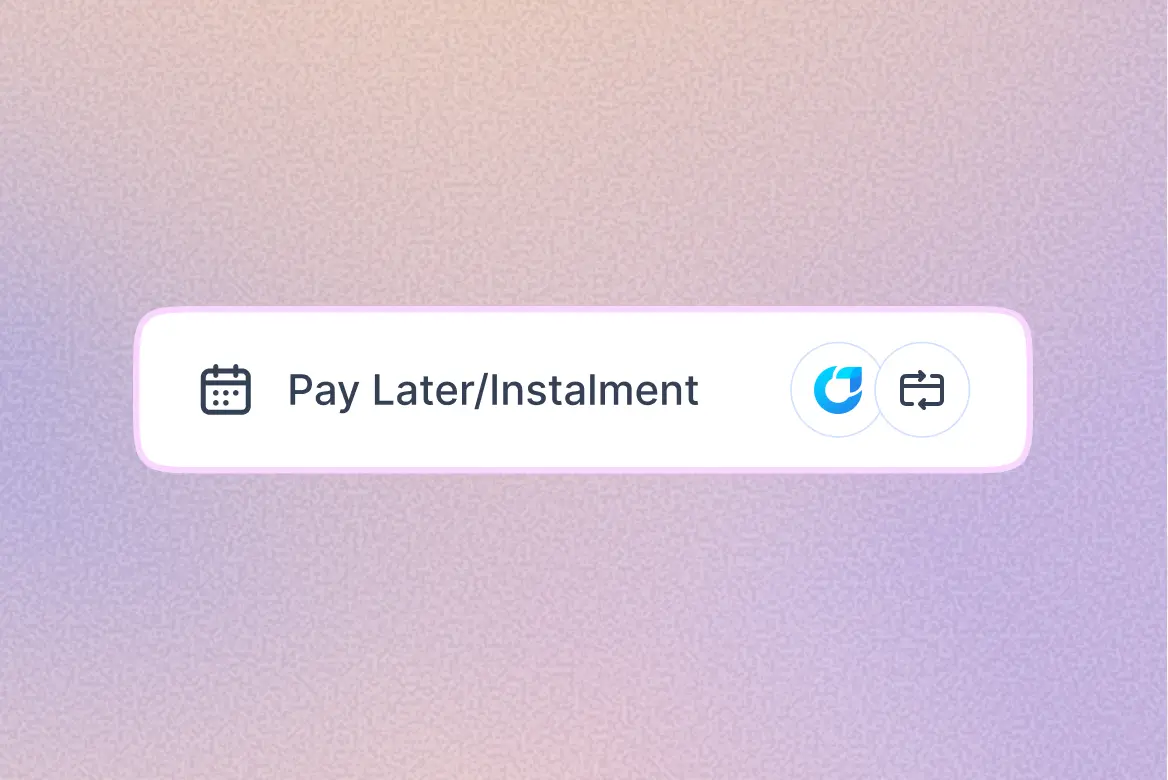
Pay later and instalments

Customers split bigger purchases with Moby BNPL or a credit card instalment plan, while you get the full amount upfront

How it works

Simple steps to get paid

step-1-pick-payment-mode

1. Pick a payment mode

Choose card, DuitNow QR or pay later right from the home screen
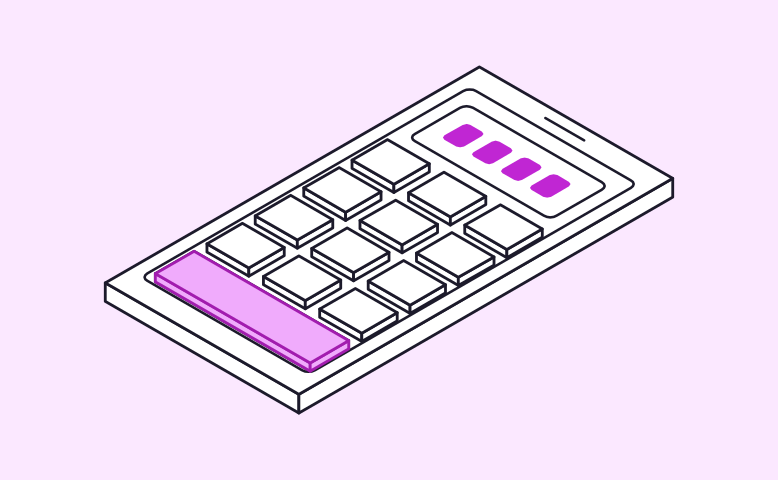
step-2-enter-amount.

2. Enter the amount

Key in the amount on a simple keypad, confirm it with one tap, and your phone is ready to accept payment
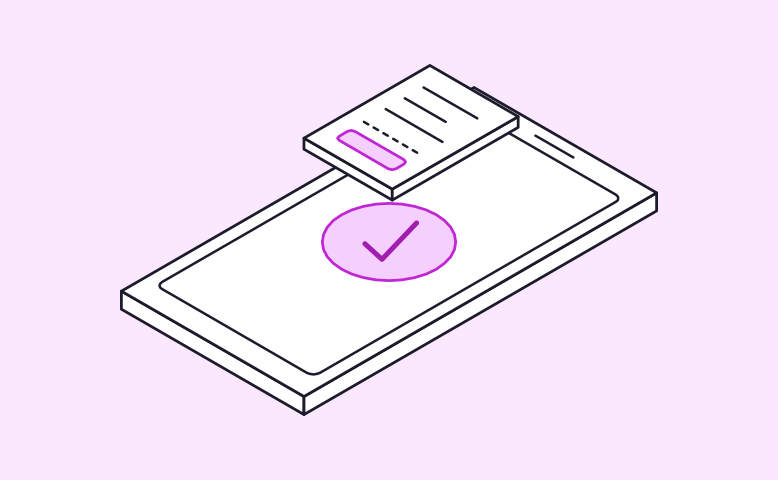
3. Done, with a receipt

Your customer taps or scans, the payment is confirmed, and a digital receipt is ready to share

Settle the day’s sales in one tap

Settle the day’s sales in one tap

See your total, number of transactions and a breakdown by card, QR and pay later. When you’re done for the day, tap Settle now and the money goes straight to your bank account

Built-in cashback for repeat sales

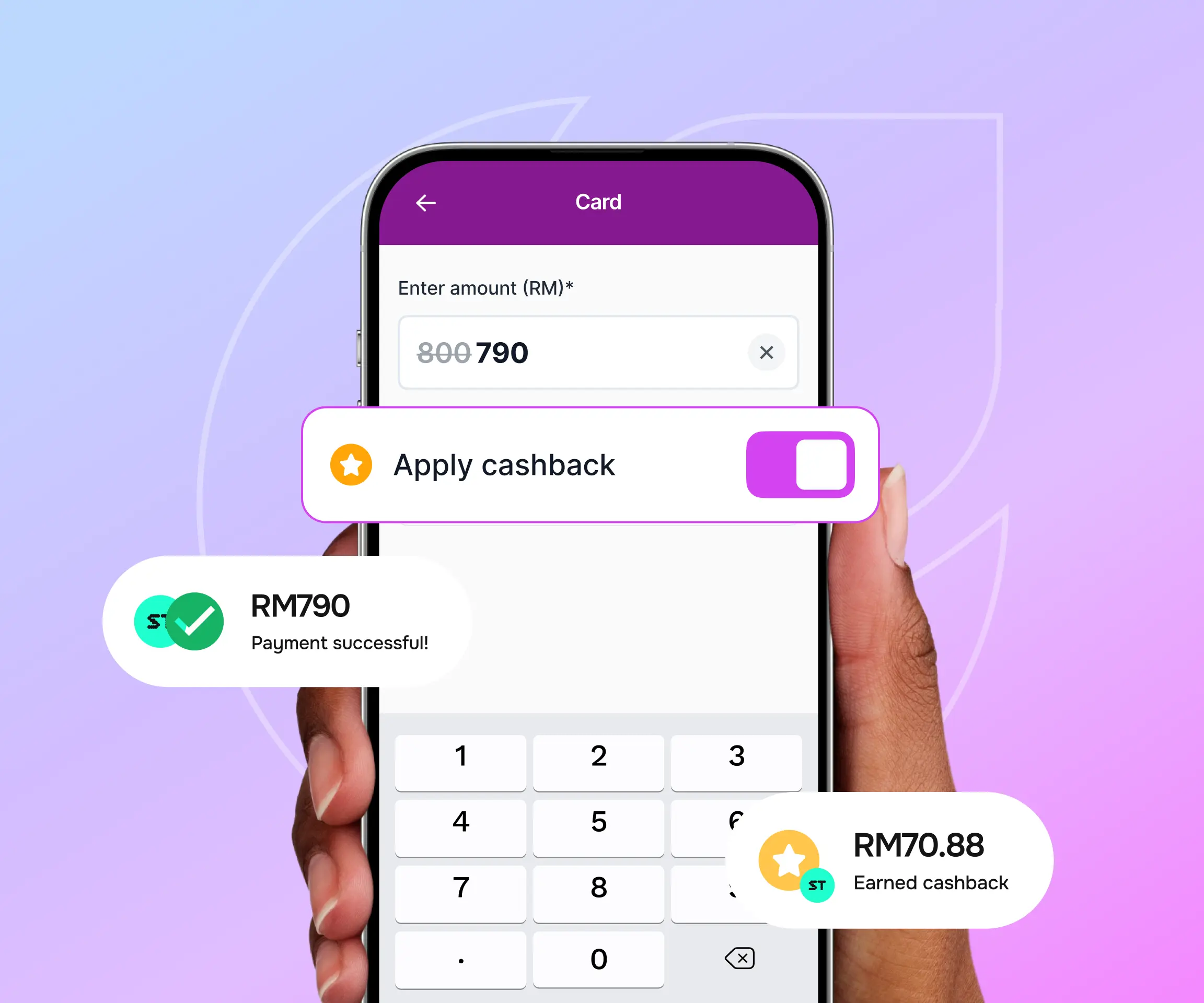
Create your own cashback offers for customers who pay with any payment method. They earn MobyCash on every purchase and can use it on their next visit, giving them a reason to come back and spend again

Built-in cashback for repeat sales
Digital receipt that works beyond just a receipt

Digital receipt that works beyond just a receipt

Customers scan a QR code to save their receipt on their phone, so there’s no paper and no printer to maintain. The same receipt lets them collect MobyCash to spend on their next visit

Built for everyday selling

check-circle

Transaction history

See every sale with its amount, time, payment method and status

check-circle

Receipts and voids

Resend customer or merchant copies, show the receipt QR again, or void a sale

check-circle

MobyCash discount

Look up a customer by phone number and apply their MobyCash at checkout

check-circle

Kiosk connection

Connect your kiosk or ordering app, and the amount appears on your phone automatically

check-circle

Support built in

Call or email merchant support straight from the home screen

Explore Moby Tap to Pay on your Android phone

Start accepting cards, DuitNow QR and Moby BNPL. No card reader to buy, no terminal to rent, and no extra hardware on your counter

Explore Moby Tap to Pay on your Android phone

Get started in four steps

1

Install the app

Download Moby Tap to Pay from Google Play on an NFC-enabled Android phone

2

Copy your Device ID

Open the app, and the activation screen shows your Device ID. Tap the copy button to save it

3

Register your phone

Add the Device ID in Merchant Admin, or send it to the Moby team and we’ll do it for you

4

Activate and start selling

Enter the authorisation code sent to you by SMS/email. Your phone is now ready to take payments

Your all payments in one dashboard

Access and manage your payments, refunds and more with powerful all-in-one dashboard, designed to help you make your business work smarter
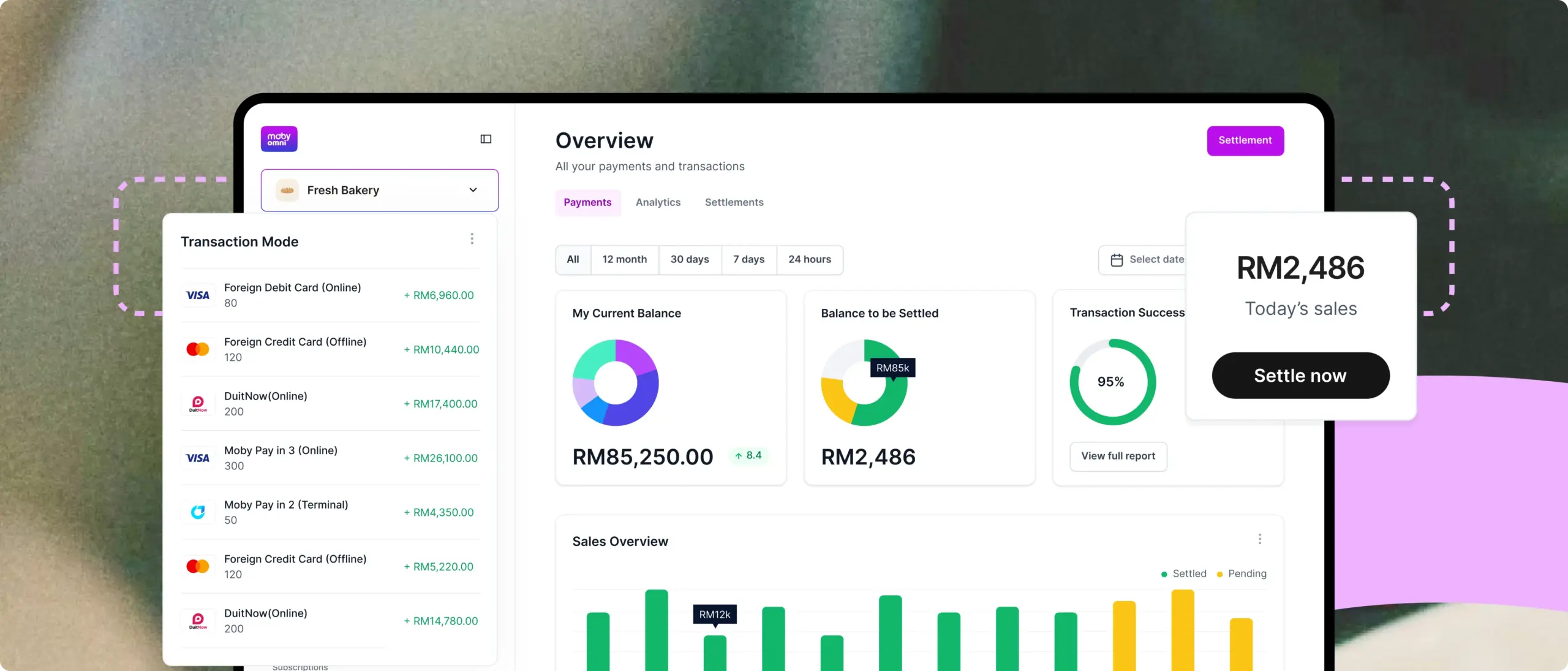
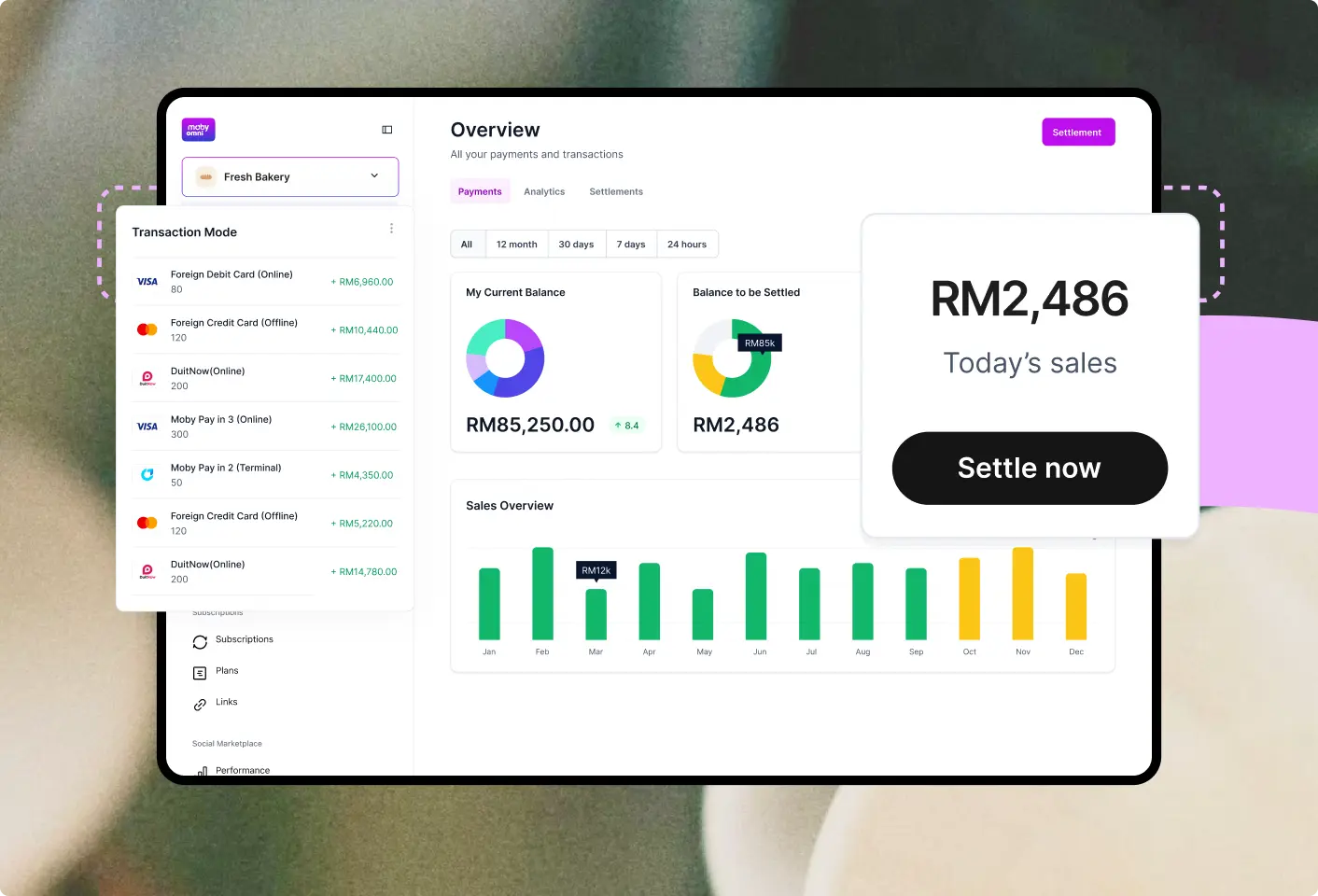
Your entire tap to pay in one dashboard-sm
Star FAQ

Frequently asked questions

Everything you need to know about Moby Tap to Pay

Moby Tap to Pay is an app that turns your NFC-enabled Android phone into a payment terminal. You can accept contactless cards, DuitNow QR and Moby BNPL without buying or renting a card reader.

SoftPOS (software point of sale) lets you accept card payments with an app on your phone instead of a separate terminal. Your customer taps their card on your phone, and the payment is processed securely through the app.

It works on Android phones with NFC . iPhone isn’t supported at the moment. To check whether your phone has NFC, look under Settings > Connected devices, or search “NFC” in your settings.

Contactless Visa and Mastercard debit and credit cards, DuitNow QR, Moby BNPL and credit card instalments, all from one app.

Yes. Card details are encrypted and never stored on your phone. Moby Tap to Pay is certified to the relevant security standard, e.g. PCI DSS

There’s no hardware or setup fee. See our pricing page for full details.

Settle the day’s sales with one tap in the app, and the money is sent to your registered bank account

Install the app, copy your Device ID, register it in Merchant Admin (or send it to our team), then enter the authorisation code you receive. Most merchants are ready to take payments

Yes. From your transaction history you can void a sale, resend customer or merchant copies, or show the receipt QR again.

Yes. Connect your kiosk or ordering app to the same network as your phone, and the amount appears in Tap to Pay automatically, so there’s nothing to key in.

You create your own cashback offers. Customers earn MobyCash when they pay with any payment method / with Moby BNPL and can use it on their next visit to your store. At checkout, look them up by phone number to apply it.

Yes. Your phone needs a mobile data or Wi-Fi connection to process payments

Yes. Register each phone with its own Device ID in Merchant Admin, and all sales appear in your dashboard

Call or email merchant support straight from the app’s home screen, or contact our team here

Avatar group

Still have questions?

Can’t find the answer you’re looking for? Please contact our sales team.

Sell better and faster with Moby Tap to Pay

Talk to our merchant team to set up your terminal
Tap-to-pay-cta-animation