

How it works
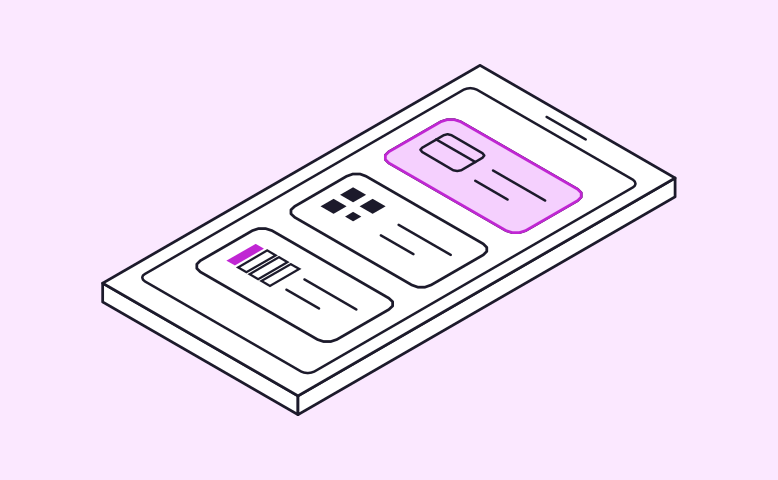
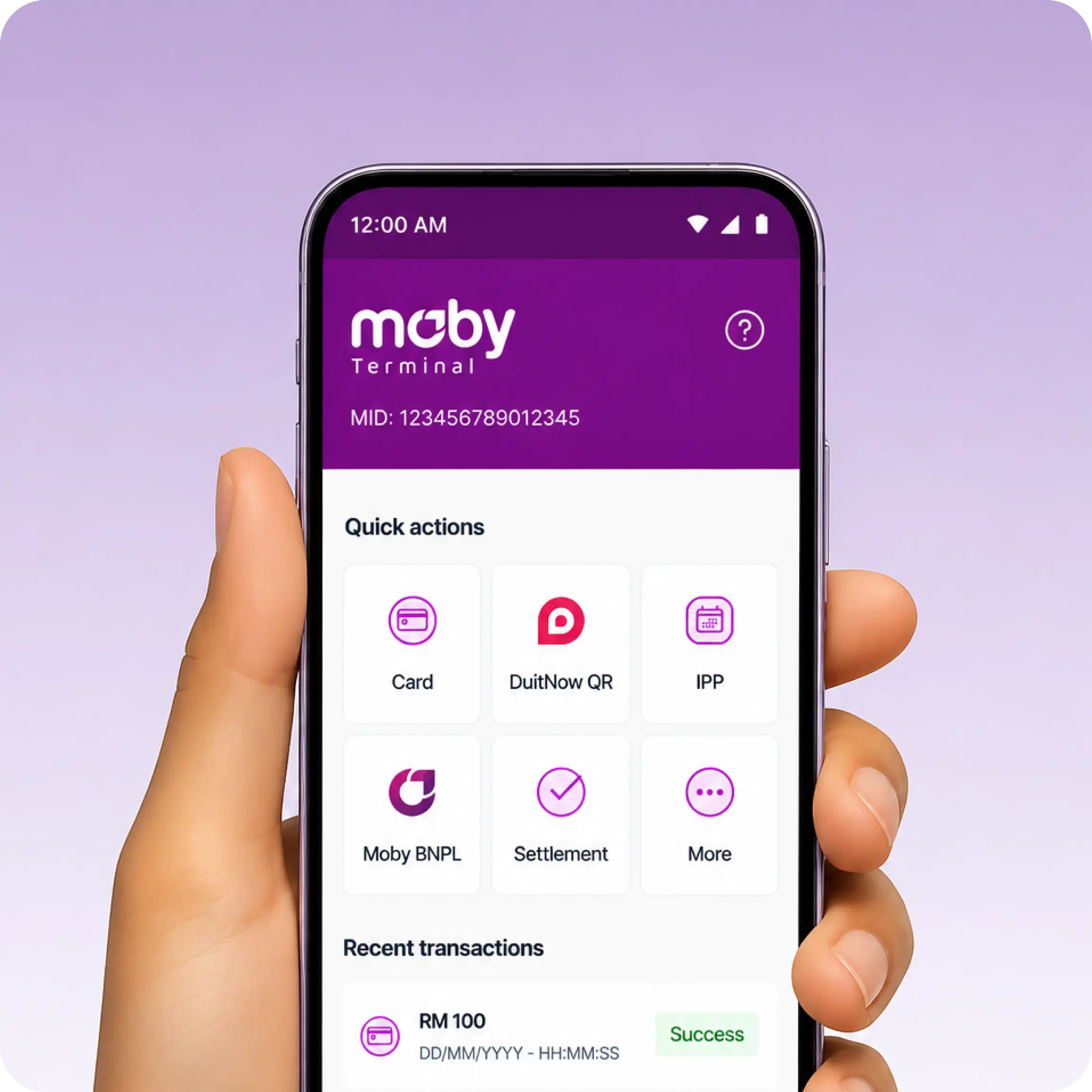
Choose card, DuitNow QR or pay later right from the home screen
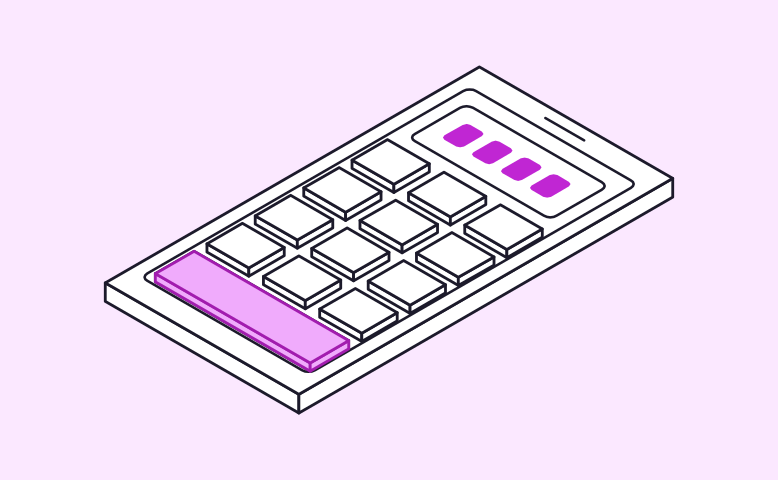
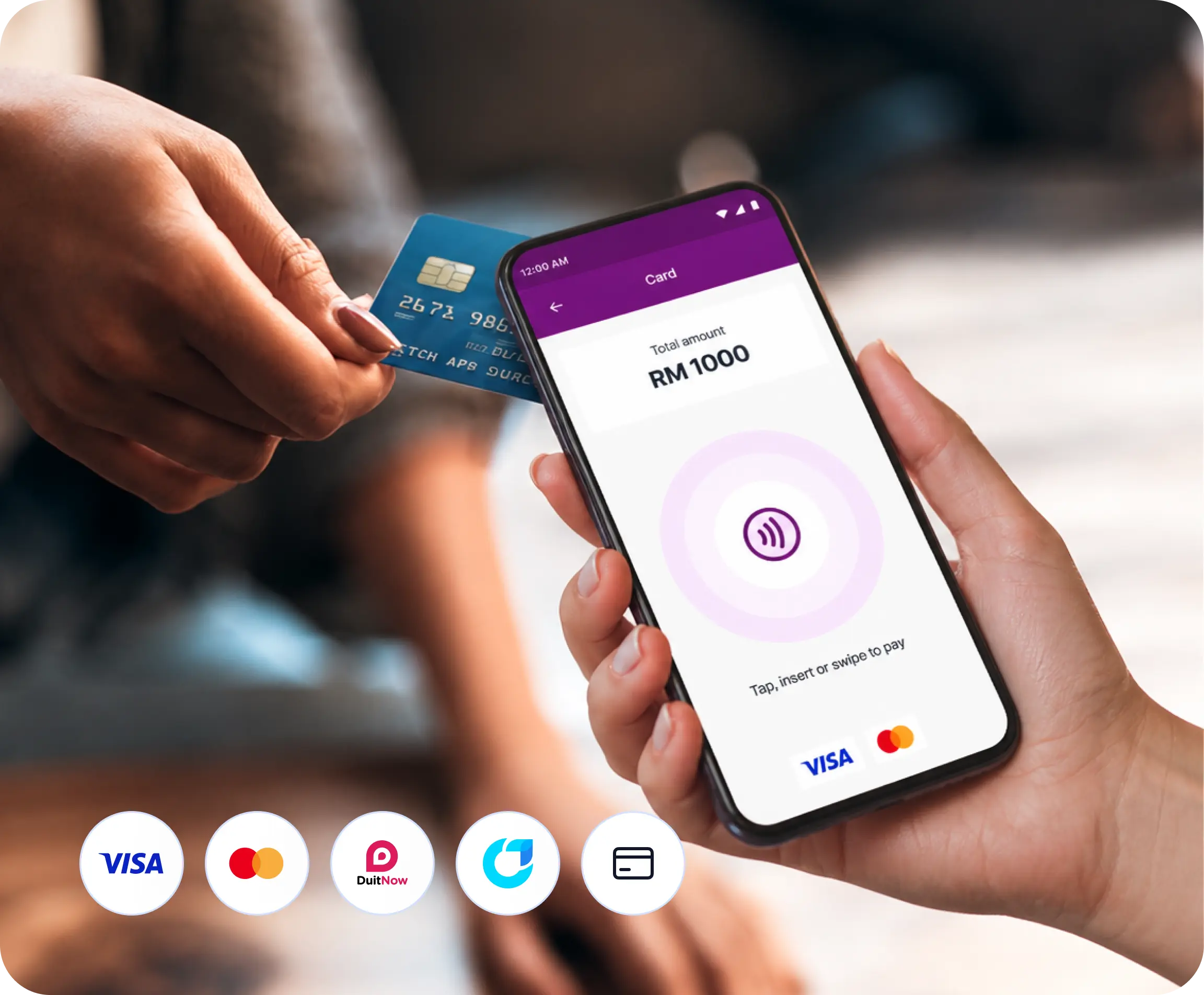
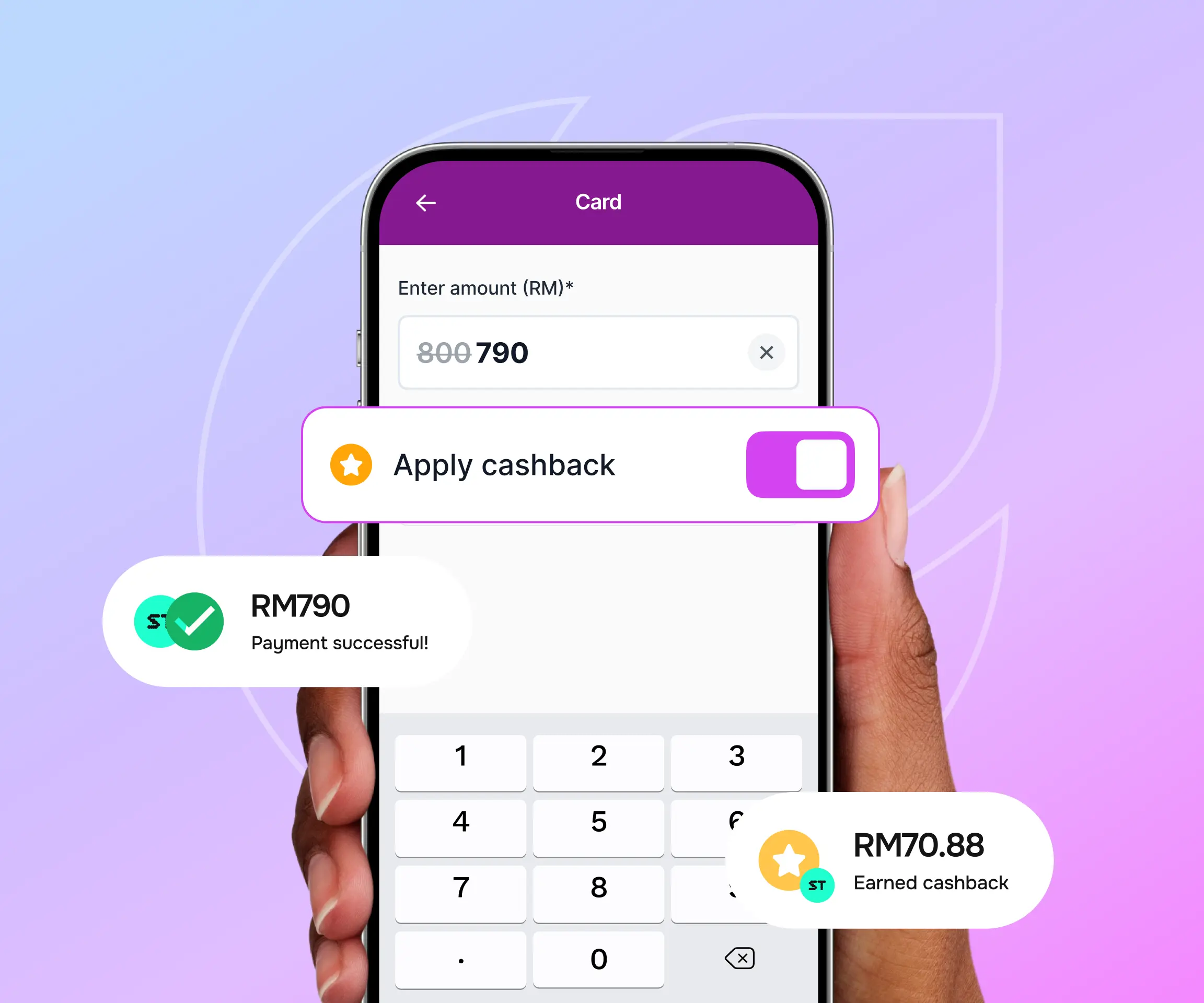
Key in the amount on a simple keypad, confirm it with one tap, and your phone is ready to accept payment
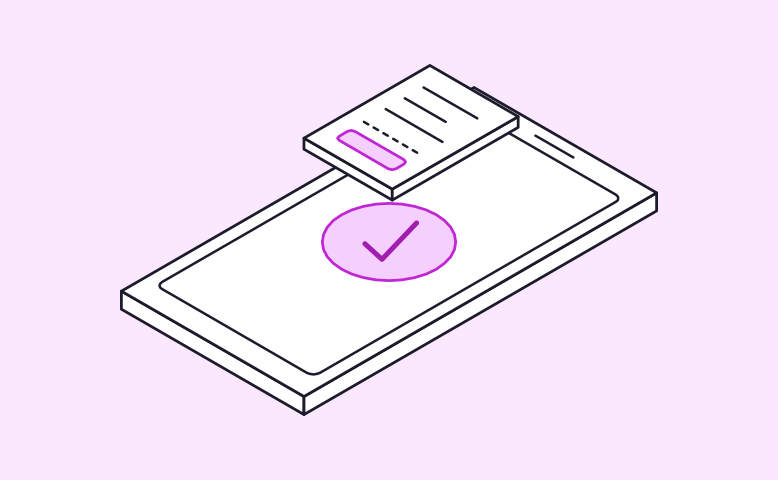
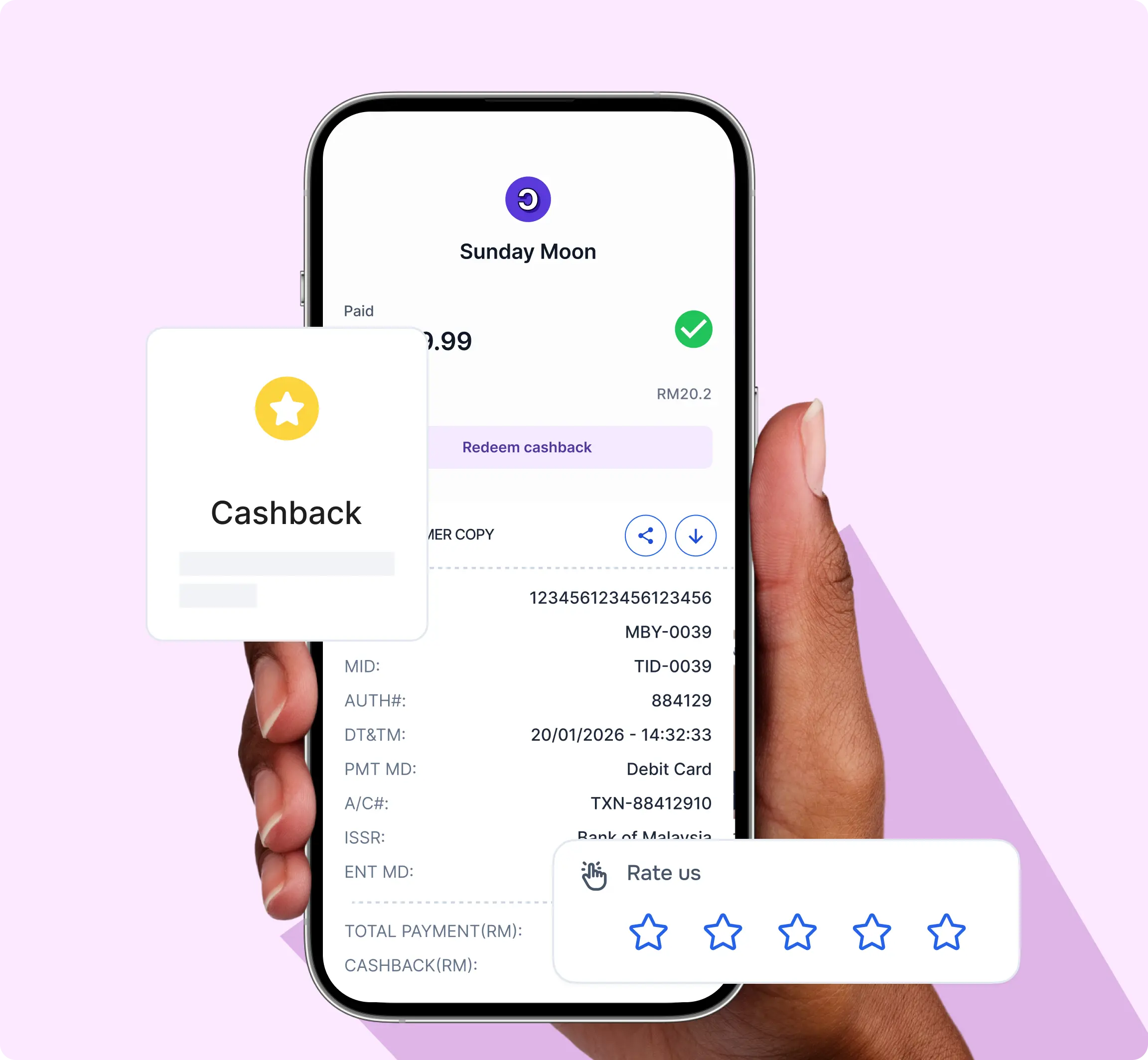
Your customer taps or scans, the payment is confirmed, and a digital receipt is ready to share



1
Download Moby Tap to Pay from Google Play on an NFC-enabled Android phone
2
Open the app, and the activation screen shows your Device ID. Tap the copy button to save it
3
Add the Device ID in Merchant Admin, or send it to the Moby team and we’ll do it for you
4
Enter the authorisation code sent to you by SMS/email. Your phone is now ready to take payments
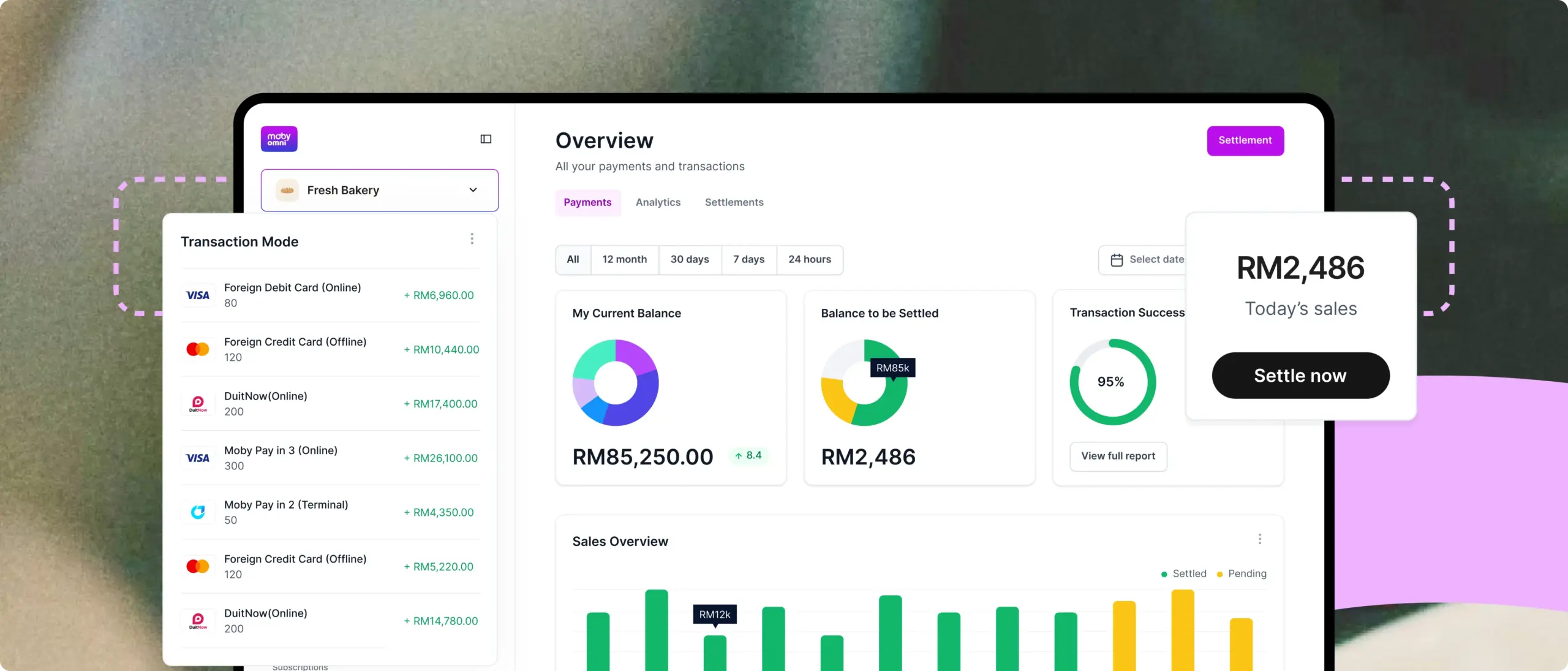
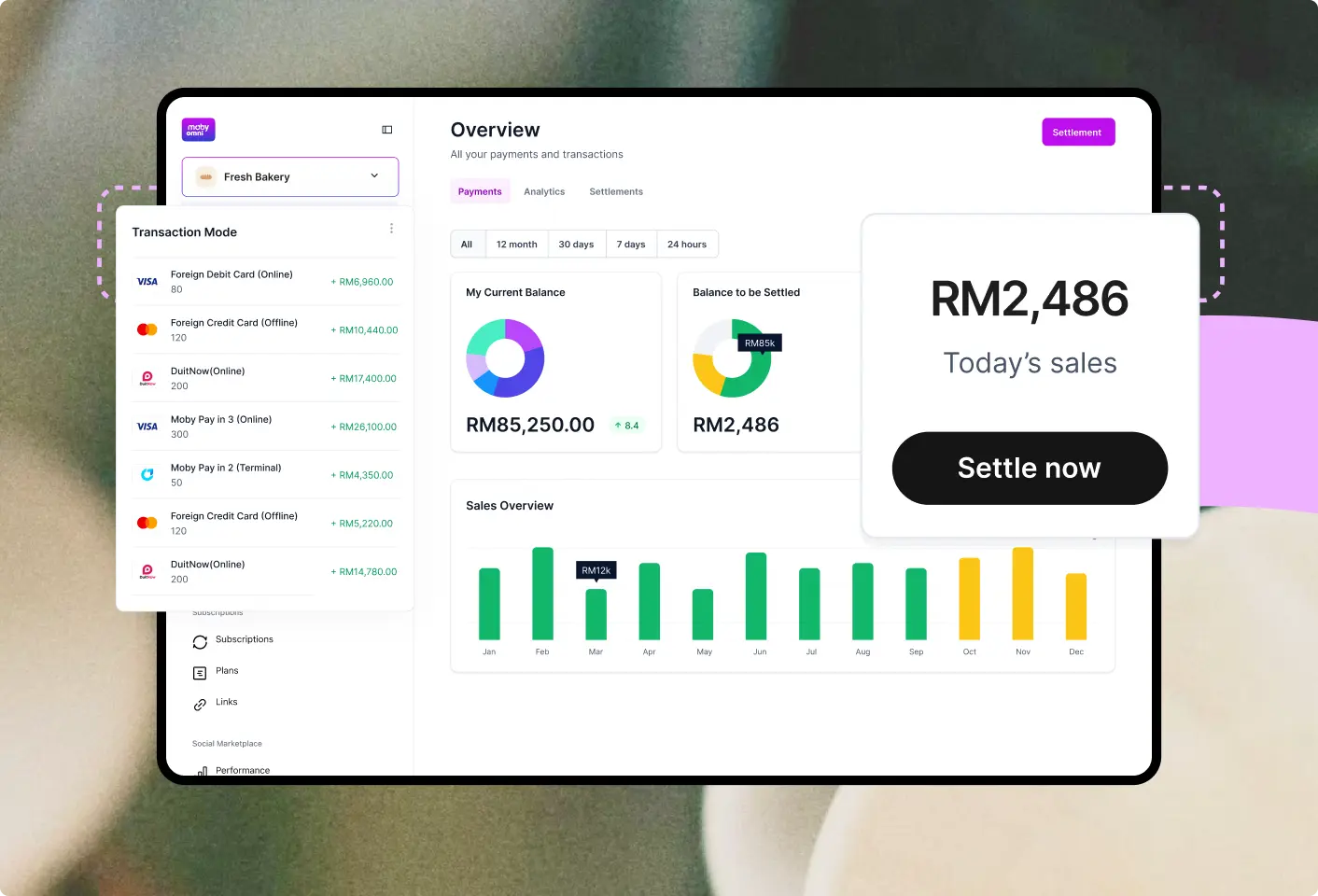
Access and manage your payments, refunds and more with powerful all-in-one dashboard, designed to help you make your business work smarter

Everything you need to know about Moby Tap to Pay

Can’t find the answer you’re looking for? Please contact our sales team.
Talk to our merchant team to set up your terminal